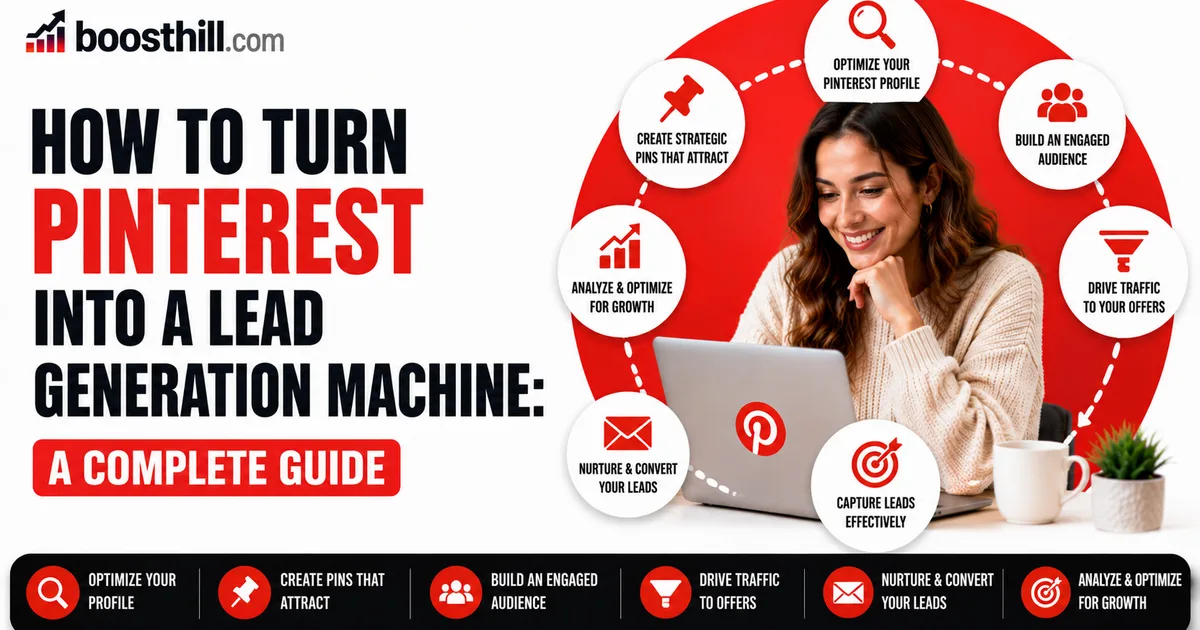
If you write a blog, it pays to treat Pinterest less like a social feed and more like a search engine that keeps pointing readers toward your site for months after a post goes live. A regular feed update disappears within hours, but a well-built pin can resurface in search and recommendations again and again, which is why it ranks among the sturdier traffic sources a blog can lean on. Drawing readers this way through 2026 rewards a patient, deliberate method more than any hope of going viral.
The underlying playbook isn't complicated: build pins that point back to your articles, attach the keywords that make them findable, and post often enough that Pinterest can work out what your blog covers. In the sections below you'll set up your account, craft pins that pull a click, line them up with what searchers actually want, and track the results so you can repeat whatever proves out.
Start on a Verified Business Account
Open a Pinterest business account — they cost nothing — and verify that you own your blog's domain. Verification switches on analytics for the site you've connected and lets you turn on Rich Pins, which pull your article's title and details onto the pin automatically so it looks cleaner and reads as more credible. This groundwork is what shifts Pinterest from a casual hobby into a traffic channel you can actually measure.
Arrange the rest of your profile around the subjects your blog covers. Set up boards that correspond to your core content categories, name and describe each one with the search terms readers use, and keep every board tied to your blog's focus so Pinterest can send the right people your way.
- Run a business account and confirm your domain
- Switch on Rich Pins to surface article details automatically
- Create boards that echo your blog's categories
- Name and describe boards around real search terms
Make Pins That Win the Visit
A pin exists for one reason: to talk a browser into opening your post. Tall images in a 2:3 ratio, topped with a brief line of benefit-led text, tend to catch the eye and collect re-saves — and it's those re-saves that push your pin out to fresh audiences. Keep the layout legible on a cramped phone screen, and echo your blog's visual style so returning readers recognize your hand.
Don't stop at a single pin per article. Varying the image, the headline, and the angle lets you see what lands and gives one post several separate shots at being found. And always send the pin to the specific article it promotes rather than your homepage, so the reader arrives exactly where the value sits.
Align Pins With What People Search
Since Pinterest runs on search, the language you pin with decides who ever lays eyes on it. Type a starting phrase into the Pinterest search bar and read the guided suggestions it offers — those are the wordings real people enter — then weave them into your pin titles, your descriptions, and the board you file the pin under.
Write for the intent behind the phrase, not just the phrase itself. When somebody looks up a how-to query, both the pin and the article waiting behind it should plainly deliver that how-to. Keeping the pin's promise honest to what the post contains holds readers on the page longer, and that's a win for them and for how your blog performs.
- Pull genuine phrases from the Pinterest search bar
- Seed keywords across titles, descriptions, and board names
- Keep the pin's promise true to the post
- Skip keyword stuffing; keep descriptions easy to read
Keep a Steady Rhythm and Measure It
A regular tempo tends to beat sporadic flurries of activity. Posting a few new pins across each week tells Pinterest your account is alive and keeps handing your blog fresh doorways in. If holding that pace is hard, a scheduling tool lets you set pins loose over time instead of dumping them all in one sitting.
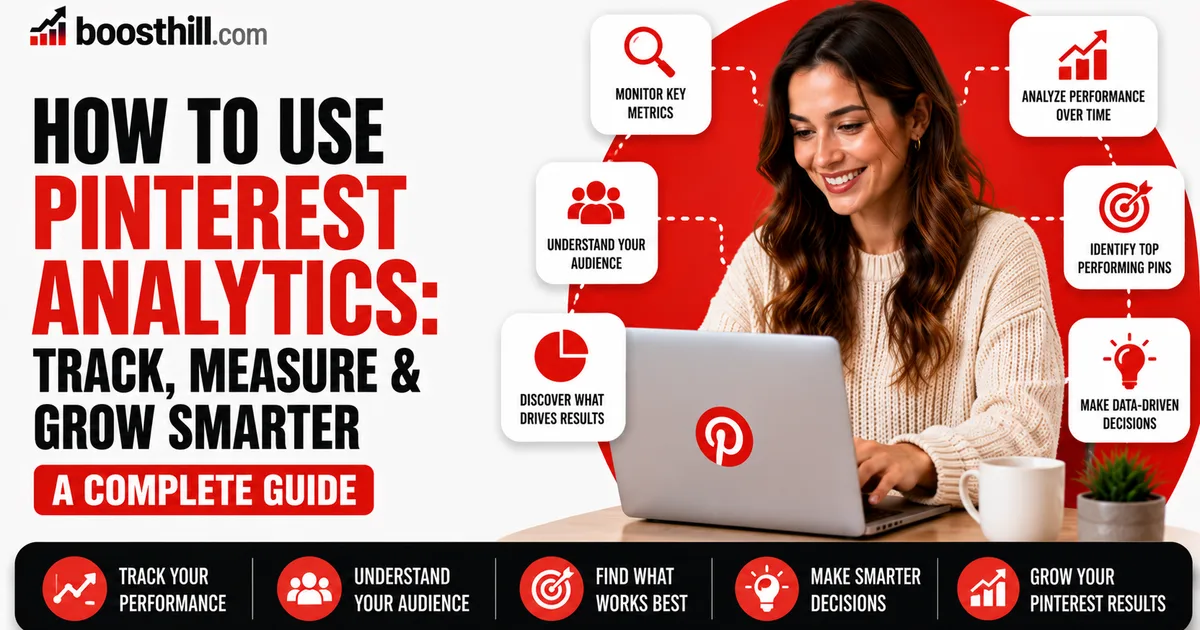
Let your analytics teach you rather than leaving it to guesswork. Track which pins pull outbound clicks and saves, then produce more in that mold and on those subjects. Momentum on Pinterest can be slow to arrive — sometimes weeks, sometimes months — so weigh your results across a stretch of time and steer clear of any trick that dangles instant traffic.
What a Follower Boost Does for Bloggers
The bulk of the blog traffic Pinterest sends you comes out of search and re-saves, not from how many followers you've amassed, so that total isn't the real lever to pull here. Where a respectable follower count does help is perception: it makes your profile look more settled to a first-time visitor, or to a possible collaborator who happens to land on it.
If that head-start on social proof appeals to you, Social WOW provides Pinterest followers drawn from real, active accounts, works from nothing but your public profile link, asks for no password, and backs the count with a refill guarantee. What it can't do by itself is manufacture clicks or lift your search rankings — set it alongside steady pinning and posts worth reading, because those are the things that genuinely move traffic.