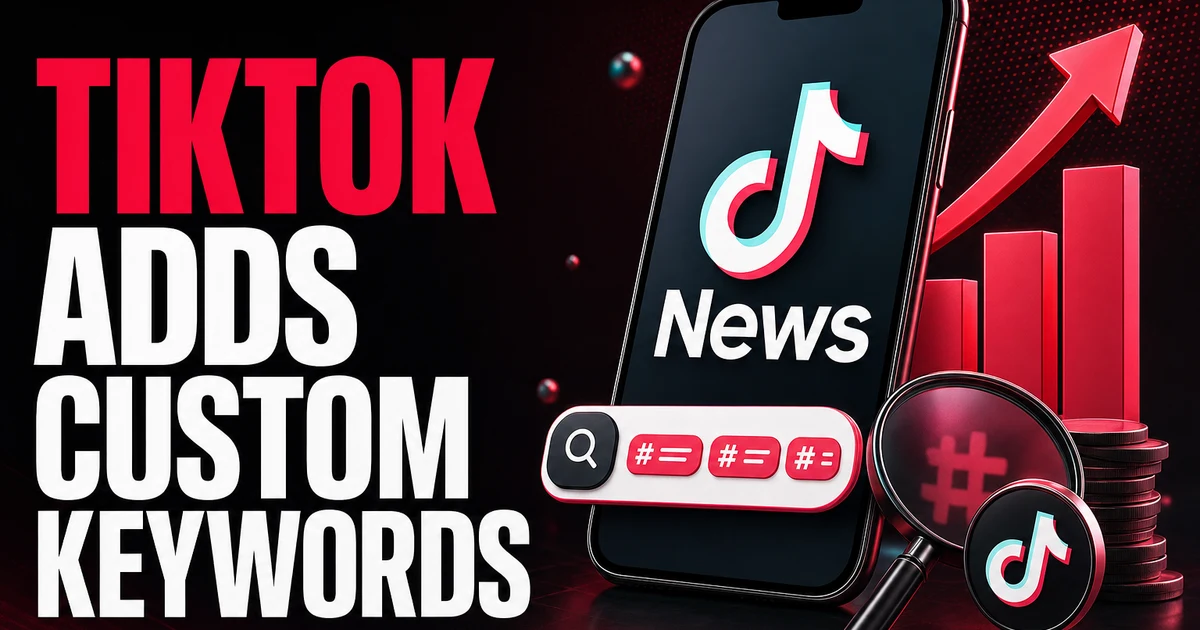
TikTok keeps pushing search further into the app, and the 2026 update finally puts that lever in your hands. You can type custom keywords onto a video to steer which searches it appears in, strip out any auto-generated terms that miss the mark, and open the Creator Search Insights shortcut, which surfaces exactly what your audience is trying to find.
A growing share of the platform's users now treat it the way they'd treat a search bar, which makes this a real path to discovery, particularly for clips that never climbed past a handful of views. Here's what changed and how to work with it.
What changed
Open one of your videos, tap the three dots, and look for Manage Keywords. Inside, you can strip out auto-generated terms that don't fit the clip and add your own, telling the platform what the video covers and which searches should surface it. Pair that with the Creator Search Insights menu shortcut, and you can read the queries people run in your space and build clips that answer them.
In effect, TikTok is confirming something creators have sensed for a while: plenty of videos now get discovered through search rather than the feed alone. Once you start treating each upload as an answer to a question someone is typing, you gain a second stream of views that tends to hold up over time.
Putting it into practice
Start thinking in keywords, not hashtags alone. Pull the phrases your audience actually searches from Creator Search Insights, then weave them through what you say on camera, the text on screen, your caption, and the new Manage Keywords field.
- Check Creator Search Insights for the questions people in your niche are genuinely asking.
- Enter precise, honest keywords under the three dots, in the Manage Keywords panel.
- Clear out any auto terms that paint the wrong picture of your clip.
- Speak your main keyword aloud and show it as on-screen text, since the app picks up both.
Discovery gets you found — reach still comes down to watch time
Keywords bring the right viewers to the door, but they don't stand in for the signals that decide how far a clip travels. After someone taps in, it's watch time, rewatches, shares, and saves that tell the platform whether to keep spreading it. Search work widens the entrance; the video itself has to hold people once they're through.
And the interaction behind that reach has to be authentic. Real people who watch and respond are what carry a keyword-found clip toward wider distribution, which is why Social WOW supplies only genuine, real-account engagement on TikTok and never bots.