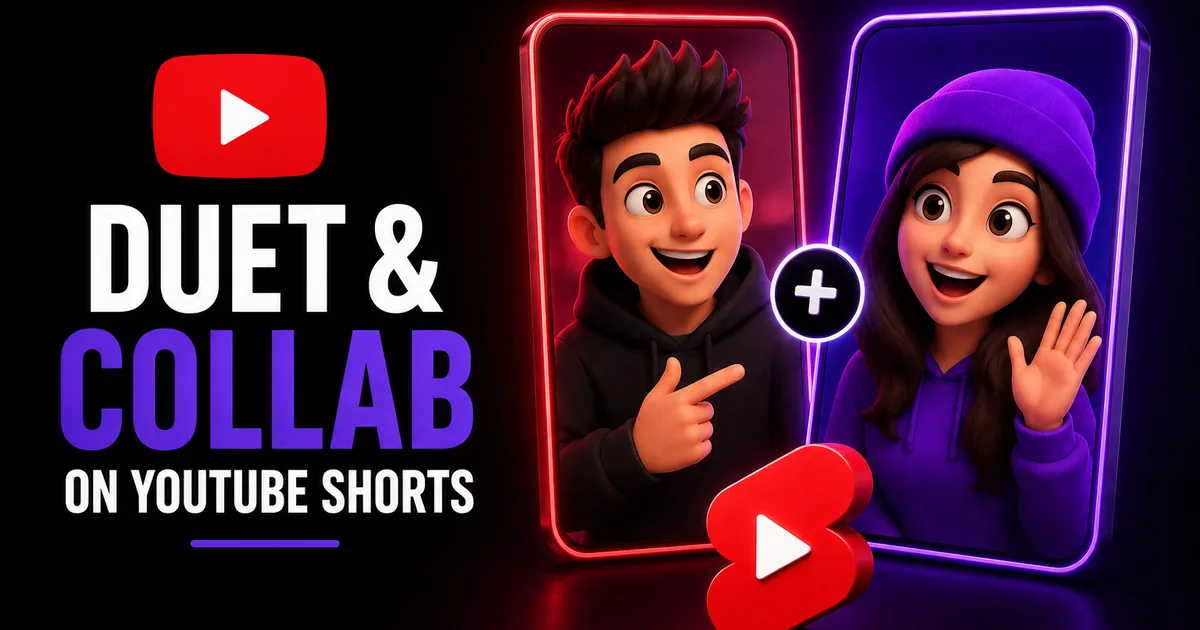
When a Short is already pulling views, a duet lets you borrow some of that motion instead of starting cold. Set your reaction, answer, or remix beside someone else's clip and you are working in a layout short-form audiences already read fluently, which hands you a believable excuse to land in front of people who have never seen your channel. Think of it as a collaboration that skips the calendar invites, the coordination, and any requirement that the other creator has ever heard your name.
Below, we walk through how the collaboration tools are built, how to put together a duet or remix one step at a time, and how to treat the format as a growth lever rather than a reflex. We will also stay straight with you about where these features help your reach, where they do not, and how a views boost sits alongside the rest.
What the Shorts collaboration tools actually do
There is more than one way to build on a Short that already exists. The most familiar is the split screen, where your own camera runs alongside the source clip so both play together for the viewer; that pairing is what people usually call a duet. Beyond it sit remix tools that let you lift the audio, or a single clip, out of another Short and drop it into yours. Keep in mind that YouTube renames and reshuffles these menus fairly often, so read the labels below as where things stand today rather than a fixed map.
None of this is available unless the person who posted the source clip has left remixing switched on. Plenty of Shorts allow it out of the box, a handful of creators disable it, and the same toggle lives in your own settings for anyone thinking about remixing your work. Where it is permitted, YouTube generally tags and links the source, and that credit is a big part of why the format cuts both ways rather than one.
- Split-screen sets your clip running beside the original
- Remix tools hand you the sound or a segment from another Short to reuse
- The option only shows up if the source creator permits remixing
- YouTube generally points a link back at the video you used
Building a duet or remix, one step at a time
Once you have spotted a Short worth answering, the rest moves fast. What follows is the route most people take inside the YouTube app. Should the wording on your version not match, hunt through the Remix or share menu, because that is where these controls tend to sit.
Film somewhere quiet and bright, and keep your side of the frame disciplined. A split screen asks the viewer to track two clips at the same moment, so whatever you add has to land plainly and be easy to follow.
- Pull up the Short you have in mind and hit Remix
- Pick the split-screen setup, or whichever audio or clip remix you are after
- Shoot your portion, nudging the timing until it syncs with the source
- Layer on text, captions, or effects so your point reads clearly
- Look it over, give it a sharp title, and post
Turning duets and collabs into real growth
The duets that work bring something to the table instead of only mugging at the camera. Resolve a question the first clip left open, carry a tutorial a step further, argue the other side, or run the joke somewhere new. People who liked what they first watched will follow you back to your channel far more readily when your half holds up by itself.
Be deliberate about your source material. Pairing with a Short that is already climbing sets you beside something with real forward motion, while looping in your own past Shorts can stitch a series together. Where it feels right, credit or mention the person behind the original, since sincere back-and-forth is frequently how an actual partnership begins later on.
- Contribute something: reply, extend, or bring a new angle
- Pick source Shorts that are already drawing eyes
- Make sure your side holds up watched alone
- Connect with the source creator to leave room for later collabs
Where duets help your reach, and where they stop
A duet or remix improves the odds that your Short gets found; it does not lock the outcome in. The feed leans on signals such as replays, watch time, and interaction to decide who sees what, and a duet is really just good content that carries a link to a second video. Attach a flat clip to a well-known Short and it still goes nowhere.
When you have a Short you genuinely stand behind and want its social proof to match, a views boost can make it read as more settled to the people arriving fresh. Social WOW supplies YouTube Shorts views from nothing more than your video's public link, asks for no password, and backs the order with a refill guarantee. What it will not do is force a Short into the feed or hand you subscribers, because that verdict belongs to YouTube's systems and to your content, but it can firm up a first impression while the collaboration itself does the real work.