Instagram's Collab tool lets two or more accounts share authorship of one post or Reel. That single piece of content then sits on each collaborator's profile and draws from one shared pool of likes, comments, and views. Being tagged as a collaborator does not push the post to your grid on its own, though, so you have to approve the invite before it goes live for your followers. This guide points you to exactly where that request hides and walks you through approving it.
None of this takes long once you know the right spot to check, but the notification is easy to scroll past. What follows is the sequence for approving an invite, a plain rundown of how a Collab behaves after you say yes, and the usual fix for when a request never turns up.
What a Collab post really is
At its core, a Collab post is one piece of content with two owners. The person who made it tags you when they publish; the moment you approve, the very same post also lands on your profile grid, and both handles are credited at the top.
Since it lives as one post instead of two separate uploads, all the interaction is shared: likes, views, comments, and shares are counted together and seen by both sets of followers. Instagram lets more than one collaborator join a single post right now, often up to roughly five invited people alongside the original author, but that limit is not fixed and may shift later.
- A single post shows up on each collaborator's grid
- Both handles are credited at the top
- Likes, views, and comments count as one shared total
- Several collaborators are allowed, though the limit can move
Finding and approving the invite
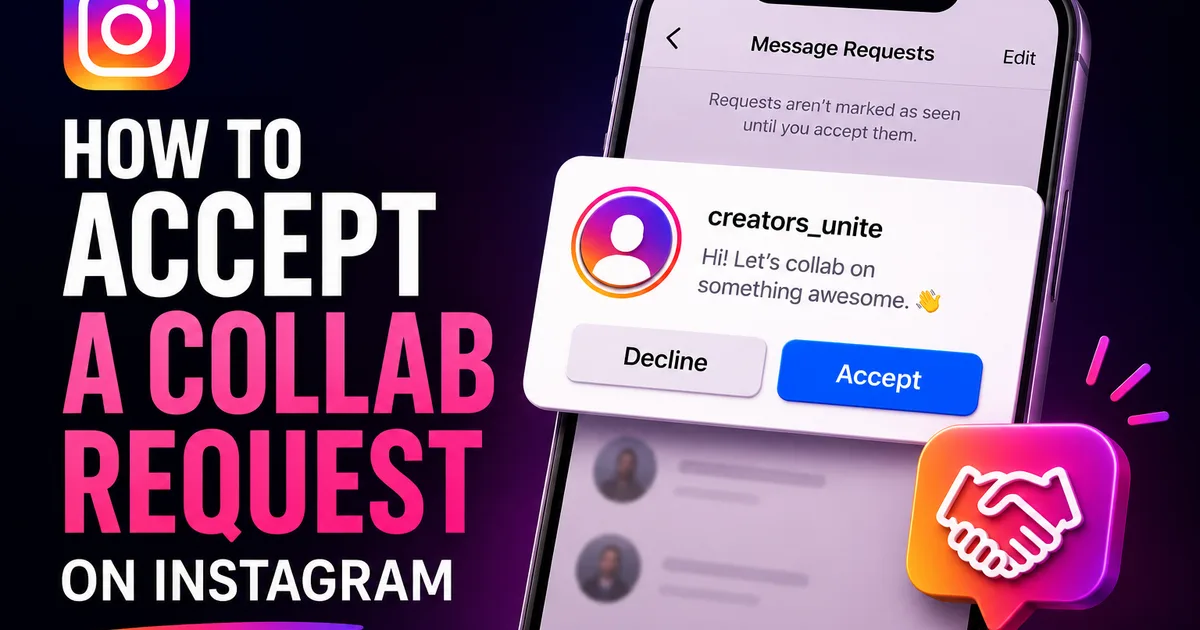
The moment another account lists you as a collaborator, Instagram delivers an invite for you to approve. It usually turns up in your Activity feed, the notifications panel behind the heart or activity icon, and frequently as a direct message on top of that. The wording spells out that someone would like to add you to a post or Reel as a collaborator.
Tap into the notification and the approval options appear. Open it to look over the post, then confirm; depending on your app version you might step through labels like Review or See Post before the final Accept. After you confirm, the post shows on your profile and your followers can see it.
- Open the Activity feed behind your notifications icon
- Scan for the invite, and look in your DMs as well
- Tap it to preview the post
- Hit Accept to send it to your grid
Once the post is on your grid
The instant you approve, the post joins your profile grid and now counts as content the two of you share. Fresh interaction keeps flowing into the same pool, so a like from either side of the audience adds to a single running total.
Should you reconsider down the line, the post's menu lets you drop yourself as a collaborator, which pulls it from your profile while leaving the original creator's copy untouched. So the decision stays reversible well after that first approval.
When the invite never appears
If someone assured you they added you but the request is nowhere to be found, the likeliest reason is that it drifted by unnoticed in a crowded Activity feed, or that it arrived as a message request instead of a standard DM. Look in both your notifications and the message requests folder.
A handful of other issues can hold an invite back: an app that needs updating, a privacy or follow setting that changes how invites reach you, or a creator who typed the wrong handle. Update to the newest version, double-check that they used your exact username, and ask them to send the invite again if it comes to that.
- Comb through your notifications and your message requests
- Update Instagram to its newest release
- Make sure the creator used your precise handle
- Ask them to send the collab invite again
Getting real value from a collab
Approving the invite is just the opening move; a Collab post earns its keep based on how naturally the two audiences overlap. It pays to pause before you accept and ask whether the post suits your niche and lines up with what your followers come to you for, because it will sit on your grid and speak for you to every visitor.
When the fit is genuinely there, put some effort behind it. Jumping into the comments on the shared post, answering questions, and pushing it out to your Stories each widen its reach across both followings. Since the numbers are pooled, anything you do to drive interaction lifts the whole post rather than just your half of it.
One last thing: settle the practical details with your collaborator before anything goes out, who taps publish, the timing, the caption, and which cover frame leads, so the invite reaches you right when you are both set to run with it. That bit of planning is what turns a co-authored post into a real cross-audience moment instead of a missed one.
- Confirm the post suits your niche before you approve
- Answer comments and push it to Stories to widen reach
- Line up the caption, cover, and timing ahead of time
- Keep in mind the engagement is shared, so each interaction adds up