Reels spent years locked at 90 seconds, and that cap forced creators to shave every idea down to fit. Instagram eased it in 2025 — first to three minutes, and later far beyond that for videos you upload rather than record. If you have kept bumping into a length wall, this guide sets out where the limits sit in 2026 and how to make the extra room count.
One distinction matters before you go long, though: permission to post a longer Reel says nothing about whether a longer Reel earns more. Ahead, you will see why the in-camera limit sits below what uploads allow, how to reach the longer formats, and why brief Reels still tend to pull the most reach. These numbers shift as Instagram tweaks them, so read the figures here as a snapshot and double-check anything that matters inside your own app.
How long a Reel can run right now
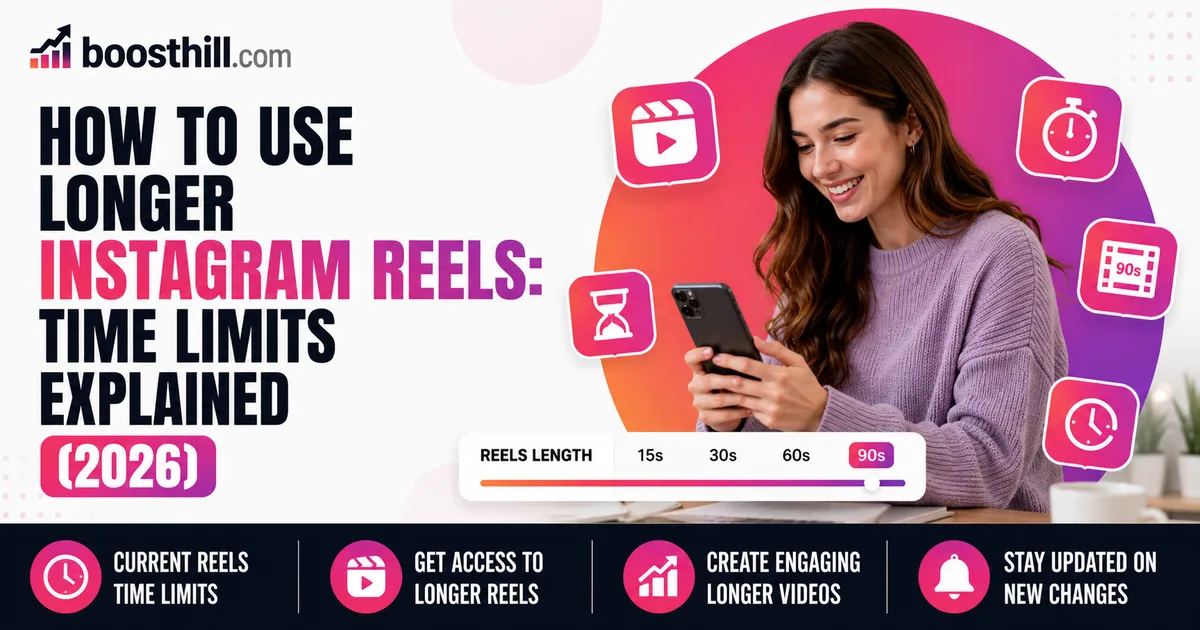
In 2026, the ceiling comes down to the method you use. Filming straight from the Instagram Reels camera tops out at roughly three minutes for most people. Bring in a clip you already shot from your camera roll, though, and the allowance grows a great deal — often somewhere around 15 minutes, and a subset of accounts on a wider rollout can go past that.
That is a real change from the 90-second wall creators used to work under. You are no longer forced to hack a tutorial or a narrative apart just to squeeze it in — but the flip side is that length becomes a decision you have to make on purpose, instead of reaching for the maximum every time.
- Filming in the app: usually limited to about 3 minutes
- Uploaded clips: often allowed up to roughly 15 minutes
- A wider rollout lets some accounts go longer still
- The former 90-second cap is retired
- Limits move over time — verify inside your own app
How to get a longer Reel live
The dependable route to the longer formats is to shoot your video first — using your phone's native camera or a separate editing app — and then bring that file into Instagram and publish it as a Reel, instead of recording inside the Reels camera. Uploading is the step that opens access to durations the in-app camera will not give you.
Inside the Reels composer, tap to pull something in from your gallery, pick the longer clip, and move through trimming, sound, and cover choice the way you normally would. When your account sits in one of the wider rollouts, the longer clip just goes through — no length error stops you.
- Shoot or edit the video outside Instagram before you start
- Pull it in from your gallery within the Reels composer
- Handle trimming, audio, and your cover frame as you usually do
- Keep the app updated so the newer limits are available to you
Allowed does not mean advisable
Now the candid part. Longer Reels being permitted does not change the fact that Instagram's discovery still leans toward short, easy-to-finish clips, and the performance numbers running into late 2025 kept pointing the same way: quick Reels of roughly 15 to 30 seconds tend to earn the widest reach and the strongest engagement. A short video is simpler to watch all the way through, loop again, and pass on — and every one of those actions tells the app to carry the clip further.
None of that renders longer Reels useless. They fit material that truly warrants the runtime — an in-depth tutorial, a recipe with several stages, a story that carries a genuine arc, or a teaching piece your audience actually wants to settle into. What goes wrong is stretching a 20-second idea across three minutes for no reason beyond the fact that the limit lets you.
Let your goal set the length
Fit the runtime to the task. When you are after reach and getting in front of new viewers, keep it short and disciplined, trimming whatever fails to justify its place. When the point is depth, instruction, or strengthening the bond with the people already following you, a longer Reel may be precisely what the moment calls for.
Whichever runtime you land on, the opening few seconds do the heaviest lifting, because that is the window where a viewer decides whether to stay. Tight pacing and a sharp hook count for more than the total length, and a disciplined short Reel will nearly always beat a rambling long one.
- Chasing reach: stay short and edit it tightly
- Teaching or telling a story: a longer Reel has room
- Either way, land the hook in the opening seconds
- Do not inflate the runtime just because the ceiling permits it