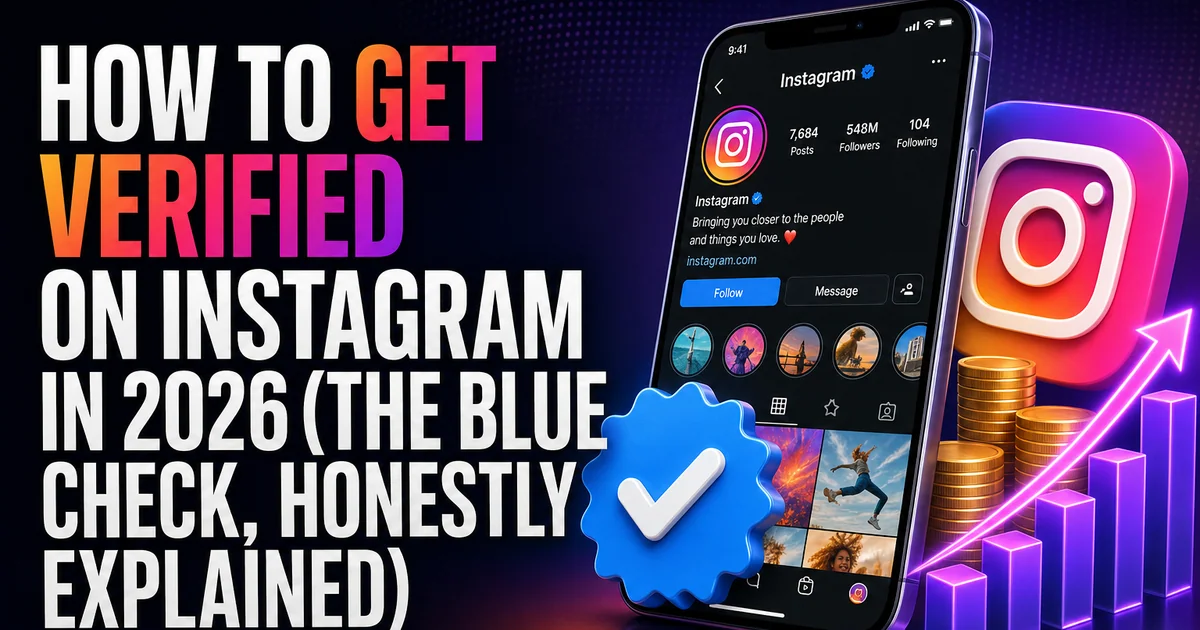
For years the blue checkmark said one thing: Instagram had looked at your account and judged you notable enough to earn one. That is no longer the whole picture. It can now point to either of two things, because two separate routes lead to the very same badge — one a paid subscription known as Meta Verified, the other the original, no-cost review for notable public figures. On a profile the two look identical; how you arrive at each could hardly be more different.
What follows lays out both paths plainly: what each badge gives you, who tends to qualify, the steps involved, and the factors that truly count. You won't find hacks here, and you won't find 'verification services' either — there's no such thing, and anyone charging for one is running a scam.
One checkmark, two separate paths
Meta Verified is a monthly subscription. You pay a recurring fee, confirm who you are with a government ID, and — provided your account clears the basic bar — the badge appears on your profile alongside a few extras, among them stronger protection from impersonators and faster support. Most everyday creators and businesses can sign up.
The older 'notable' verification hasn't gone anywhere; it still serves people and brands who are genuinely well known. It's free, yet you can't buy it or lock it in — Meta awards it based on whether your presence reads as authentic, unique, complete, and notable. In practice, most checks now come through Meta Verified, while the free badge stays with well-known public figures who earn real coverage elsewhere.
The Meta Verified route, step by step
For the majority of creators and small businesses, this is the route that actually applies. What Meta checks here is whether you're a genuine, active, fully set-up account — your follower total doesn't enter into it.
- A filled-out profile — a photo, a bio, and a display name that lines up with the one on your ID.
- A government-issued ID whose name and photo match what's on the account.
- Enough of a track record to clear the activity and history minimums; a prior posting history helps, and freshly made accounts often won't qualify.
- Two-factor authentication turned on.
- Open Settings, find the Meta Verified subscription option, and work through the identity-confirmation steps from there.
The free 'notable' route, and who it fits
Public figures, creators, and brands with real recognition can still ask for the classic review at no charge: open Settings, then Account type and tools, then Request verification. Four questions decide it. Is there a real person or business behind the account? Is yours the single presence representing you, not a duplicate? Is the profile complete — public, carrying a bio and no fewer than one post? And is the account notable — the kind of name people search for that shows up across several independent news outlets? What tips a free request over is outside attention: press write-ups, a Wikipedia entry, coverage in places you don't control.
Sponsored placements and pages you run yourself don't register as 'notable' coverage. When there's no independent reporting you can point to, the free option probably isn't within reach — and that's exactly the moment Meta Verified becomes the honest answer.
What the check gets you, and what it won't
A verified badge does two useful jobs: it confirms who you are and it lends credibility. You become easier to locate, tougher to copy, and more trustworthy in the eyes of brands and first-time visitors. What it won't do is deliver reach. The badge carries no weight in ranking, so on its own it sends your Reels to no one new.
Reach comes from where it always has: posts people finish, save, and forward to a friend, shown to an audience that genuinely cares. A real, active following also feeds into how 'authentic and complete' your account looks to a reviewer or an automated check — which is exactly why stuffing a profile with fake followers backfires on you.